
article · ORTEC Adscience
UTM Naming Convention Audit for Small Marketing Teams
A UTM naming convention audit checks whether campaign links use the same field names, values and structure before those links appear in reports. For a…
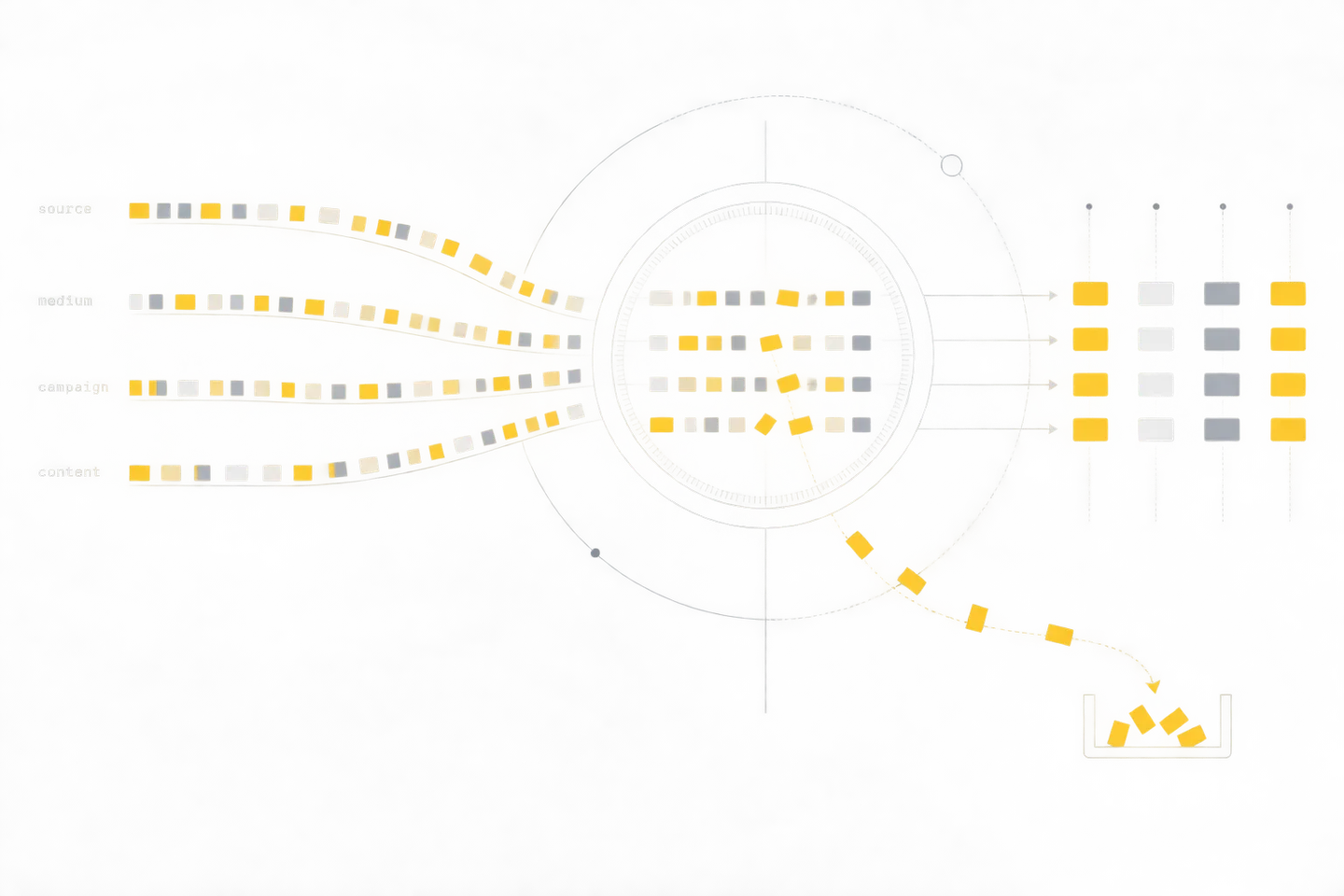
A UTM naming convention audit checks whether campaign links use the same field names, values and structure before those links appear in reports. For a small marketing team, the aim is practical: a colleague should be able to create a link correctly, and another colleague should be able to explain an unfamiliar campaign name without guessing.
Define what each field means
Google Analytics maps utm_source, utm_medium, utm_campaign and utm_content to manual traffic-source and campaign dimensions. Source identifies where traffic comes from; medium describes the type of channel; campaign names the marketing effort; and content can distinguish links or creative variants within that effort. These fields can be examined at different reporting scopes, so choose the same scope when comparing results month to month. Google’s manual-tagging field reference lists the mappings.
Give each field one job. If utm_source means the sending platform, use newsletter or the name of a partner consistently; do not alternate between the platform, the audience and the campaign title. Use utm_medium for a small set of channel types, such as email, social and referral. Reserve utm_campaign for the initiative you want to group across placements. Use utm_content only when distinguishing placements or versions would help a later decision, such as header_button versus footer_text.
Start with a controlled vocabulary that the team can maintain. The example below is a proposed local convention, not a set of values required by Analytics:
- Source: approved sender or platform names, such as newsletter, linkedin and partner_alpha.
- Medium: email, social or referral, with additions agreed before use.
- Campaign: a stable initiative name, such as spring_guide, reused wherever that initiative appears.
- Content: an optional placement or variant label, such as hero_button or text_link.
Write values in lowercase and separate words with underscores. The particular separator matters less than using one consistently. Keep an approved-values list beside the campaign register, with an owner who can add a value when the existing choices do not describe a real placement. Avoid making the list so restrictive that people choose an inaccurate value merely to pass a check.
Make the campaign register the source of truth
Before anyone generates links, assign the initiative its campaign name. Record its purpose, owner, launch period and approved sources and mediums. One initiative can have several links, but each link should point back to that register entry. If a campaign is renamed for public copy, decide separately whether its tracking name should change. An unplanned tracking rename splits the initiative across report rows.
For example, a guide promoted by email and on LinkedIn might use utm_campaign=spring_guide on both links. The source and medium change with the placement; the campaign value stays fixed. Two email buttons can then use different utm_content values without creating two campaign names.
Store the complete destination URL as well as its four field values. That gives a reviewer something concrete to open, and it makes later investigation possible when a shortened link, scheduled post or redirect behaves differently from the draft URL.
Run a prelaunch link check
Build the check into the hand-off between creating and scheduling a campaign. A second person can review a small batch in a spreadsheet; the same rules can later be automated. Check the actual link that will be published, not only the values in a planning document.
- Compare values with the register. Confirm that source and medium are approved for this placement, campaign matches the initiative exactly, and content describes a real variant. Look for capitalization changes, spaces, mixed separators and abbreviations that create a new value.
- Inspect the URL structure. Use ? before the first query parameter and & between later parameters. Put parameters before any # fragment. Check for duplicate UTM keys and encode characters that would otherwise break the query string.
- Open the destination. Confirm that the link reaches the intended page, including on a mobile browser if that is where the placement will appear. Check what happens after any redirect and whether the landing page retains the parameters needed for measurement. Google’s final-URL guidance describes a simple test for whether a site accepts and retains an arbitrary query parameter.
- Check Google Ads separately. Establish whether the Ads account uses auto-tagging before adding manual campaign parameters to its final URLs. Auto-tagging adds a gclid to the landing-page URL; Google recommends it for the more detailed linked Ads data and notes that manual tagging provides a smaller subset in its documented exception case. Google explains the distinction.
- Approve the published version. Record the tested URL, reviewer and approval date. If a scheduler or ad platform rewrites the URL, inspect the version shown there before launch.
A prelaunch check should produce a clear outcome: approved, corrected and retested, or held for investigation. “The link opens” is insufficient when the destination is wrong or the tags have been stripped.
Recognize naming drift in real links
Most drift looks harmless when viewed one link at a time. It becomes visible when similar names appear as separate report values. These examples show what to flag and how to resolve it:
- Case drift: Spring_Guide appears beside the approved spring_guide. Correct links that have not launched; log the published variation so the report can group it with the intended initiative during review.
- Separator drift: spring-guide and spring_guide refer to the same effort. Check the campaign register before deciding which value is canonical; do not create a third spelling.
- Field drift: one person uses utm_source=email while another uses utm_source=newsletter. Confirm which field describes the sender and which describes the channel, then correct future links.
- Unplanned rename: a public headline changes and utm_campaign changes with it halfway through distribution. Keep the approved tracking value unless the team deliberately starts a distinct initiative.
- Destination failure: the tags are perfectly named, but the link opens an old page or a redirect drops the query string. Repair the published URL where possible and record the period affected.
Do not silently rewrite historical report rows to make an audit look clean. Keep the observed value and the intended value side by side. The difference is evidence of what happened and helps the team find the process that produced it.
Keep an exceptions log, then reconcile monthly
An exceptions log should answer five questions: what value appeared, what was expected, where the link was published, who owns the correction, and what decision was made. Include the first date observed and the affected URL when available. Use a short status such as open, corrected, accepted exception or unresolved.
At the monthly review, export or inspect the relevant manual campaign-name report using a consistent date range and reporting scope. Compare every unexpected name with the campaign register. For each one, find the published link or platform setting that produced it. Classify it as a spelling variant, a legitimate new campaign awaiting approval, an old link still receiving visits, a destination problem, or an unknown value requiring investigation.
Report both the observed and reconciled views. A compact monthly summary can list approved campaign names, unexpected names, the links traced to each, the correction made and any remaining uncertainty. Group known variants for an internal decision summary, while preserving the original values in the audit record. If the source cannot be identified, say so; a plausible campaign name is not proof of where a visit came from.
Use the review to improve the next prelaunch check. Repeated capitalization errors suggest a link template or validation rule. Repeated unknown campaigns suggest that someone is publishing links outside the register. A single legitimate exception may simply require a new approved value.
Treat GCLID conflicts as a separate investigation
Do not apply the manual-link convention blindly to Google Ads URLs. Google says that when manual and automatic tagging are present, auto-tagged values normally supply traffic-classification dimensions. It also warns that if a GCLID cannot be used as intended and any UTM parameter is present, Analytics may derive cross-channel traffic-source values exclusively from the UTMs; missing fields can then appear as (not set). Its tagging guidance explains that fallback.
There is a further caution for Measurement Protocol purchase events: Google warns that sending manual campaign details alongside an existing GCLID can attribute events to UTM values instead of the expected Google Ads source. Google’s traffic-source scope guidance makes this warning in that specific context. If an Ads campaign appears under an unexpected source, inspect auto-tagging, the landing-page redirect, retained click parameters and any event payload before changing the naming vocabulary.